How to Add Music Audio Effects in Kinemaster

Kinemaster is one of the most popular mobile video editing apps for Android and iOS. It is widely used by YouTubers, TikTokers, social media creators, and even beginners who want to create professional-quality videos right from their smartphones. One of the key features that make Kinemaster Apk stand out is its ability to add music and audio effects seamlessly, giving your videos a polished and engaging sound. In this guide, we’ll explore step-by-step how to add music, audio effects, and soundtracks to your videos using Kinemaster.
Why Adding Music and Audio Effects is Important
Adding music and audio effects to your videos is essential because it significantly enhances the overall viewing experience. Background music can set the tone and mood of your content, whether it’s cheerful, dramatic, or suspenseful. Audio effects help emphasize key moments, making your videos more engaging and professional. For content creators, using the right sound can keep viewers interested and increase watch time on platforms like YouTube, TikTok, and Instagram. Additionally, well-edited audio supports storytelling, making your message clearer and more impactful. In short, combining music and audio effects transforms ordinary videos into dynamic, memorable, and polished content.
How to Add Audio Effects in Kinemaster
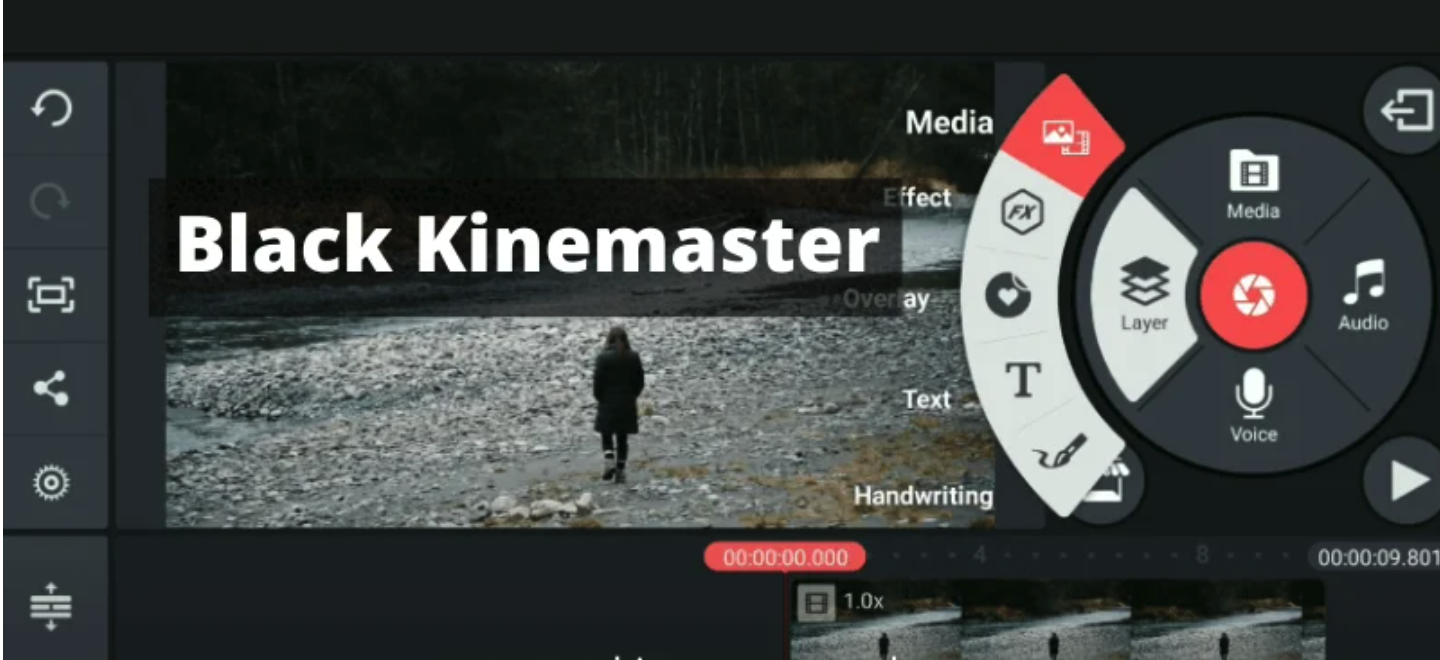
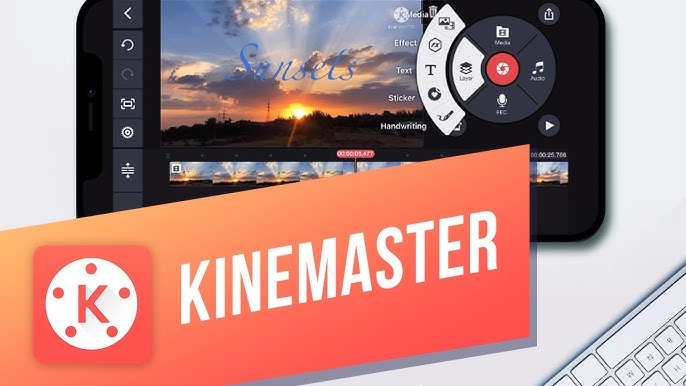
Adding audio effects in Kinemaster is a simple yet powerful way to enhance your video content. To start, select the video or audio clip where you want to apply effects, then tap on “Audio” and navigate to the Effects menu. Kinemaster offers a wide range of effects, including echo, reverb, distortion, and more, allowing you to create unique sound experiences for your viewers. Once you choose an effect, you can adjust its intensity, duration, and placement on the timeline to ensure perfect synchronization with your video. Always preview your video after adding effects to make sure the sound complements the visuals and does not overpower dialogues or background music. By using audio effects thoughtfully, you can make your videos more engaging, professional, and enjoyable to watch.
Tips for Using Music and Audio Effects Effectively
To make the most out of music and audio effects in Kinemaster, it’s important to follow a few simple tips. First, always use royalty-free music or tracks you have permission to avoid copyright issues. Balance your audio levels carefully so that background music does not overpower voiceovers or dialogues. Subtle audio effects often work better than heavy effects; less can be more when enhancing your video. Choose music and sound effects that match the mood and theme of your content, creating a cohesive viewing experience. Finally, always preview your video before exporting to ensure that all audio elements are synchronized properly and enhance the overall flow of your video. By following these tips, your content will sound professional and engaging, keeping your audience entertained from start to finish.
Benefits for YouTubers, TikTokers, and Content Creators
Adding music and audio effects in Kinemaster offers numerous advantages for content creators across different platforms. For YouTubers, it enhances tutorials, vlogs, and gameplay videos by creating a more engaging and professional experience. TikTokers can use music and sound effects to synchronize with trends, making their short videos more captivating and likely to go viral. Social media creators on Instagram, Facebook, or Reels can make posts more dynamic and entertaining by incorporating well-edited audio layers. Even beginners benefit, as Kinemaster’s intuitive interface allows anyone to add music and effects without advanced editing skills. Overall, using audio creatively not only improves viewer engagement but also elevates content quality, helping creators build a stronger online presence and reach a wider audience.
Conclusion
Kinemaster Apk Download is a versatile and powerful tool for mobile video editing. Learning how to add music and audio effects is essential for creating engaging, professional, and high-quality videos. By following this guide, you can enhance your content with the right background music, sound effects, and precise audio editing. Whether you are a YouTuber, TikToker, or just starting your content creation journey, Kinemaster makes it easy to add audio layers that elevate your videos to the next level.